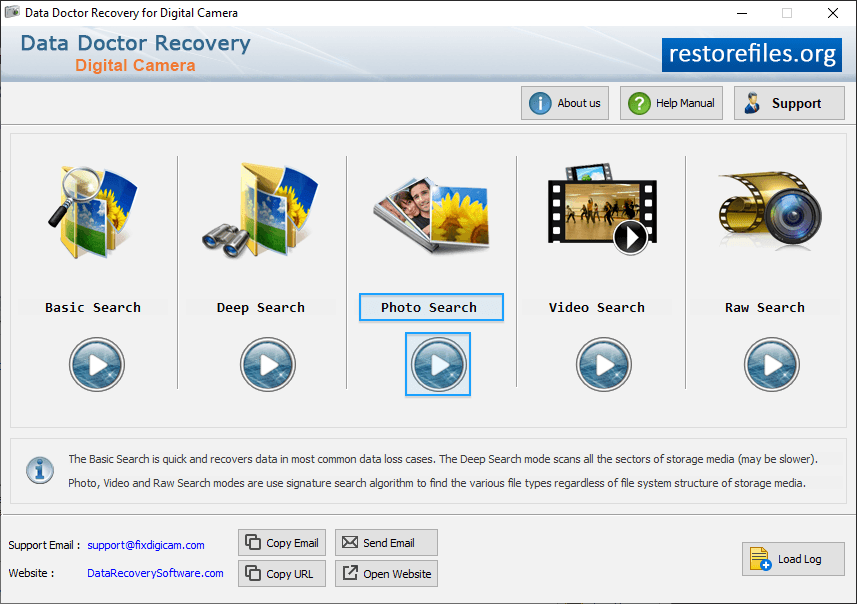
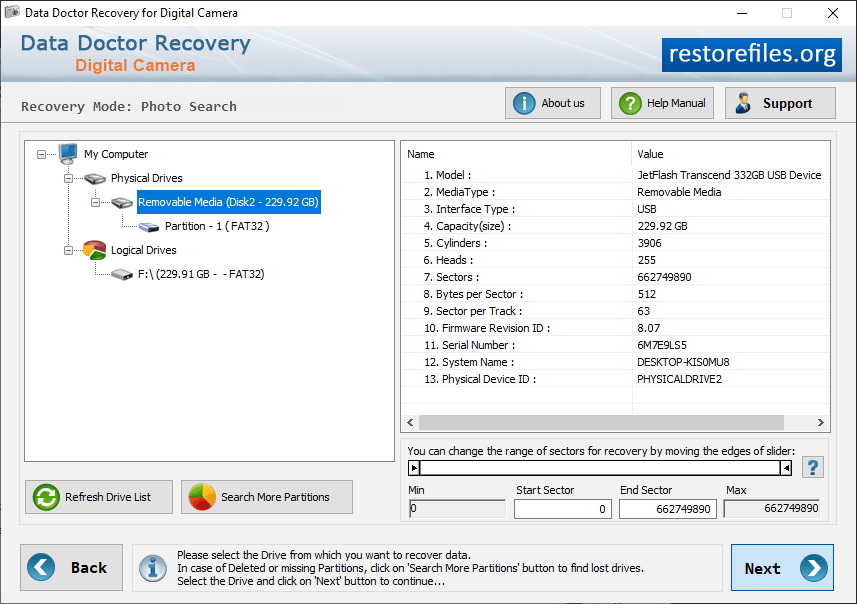
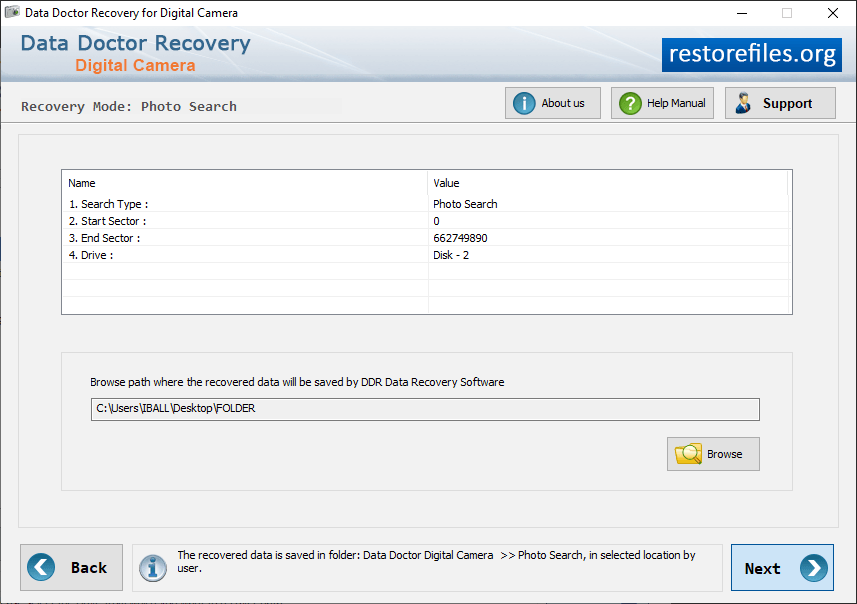
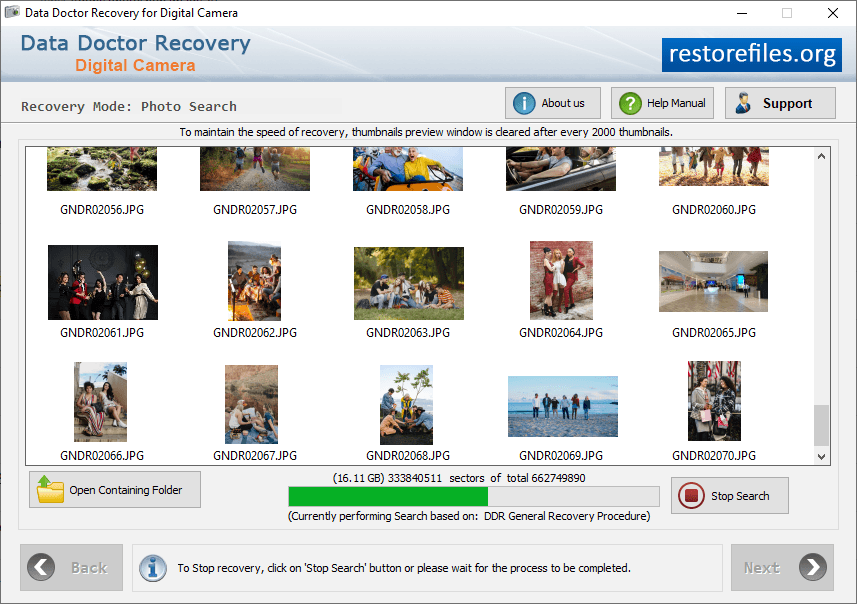
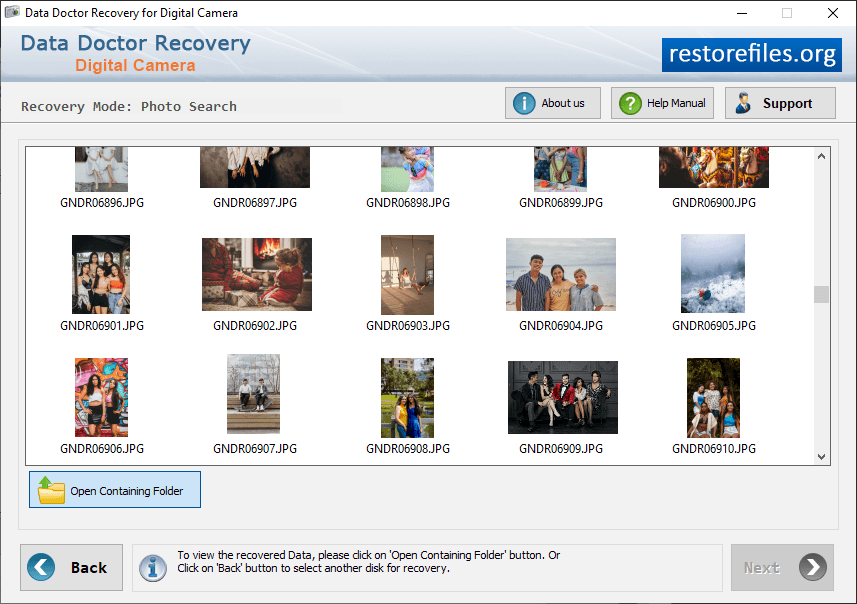
Select Photo Search recovery mode to recover lost data. Select Partition to specify location from which you want to recover lost files and then click on 'Next' button. Browse the path where you want to save your recovered pictures. Currently performing Disk Scanning process to scan and recover lost data. Select open contaning folder from and then click on 'Select other disk recovery' files.