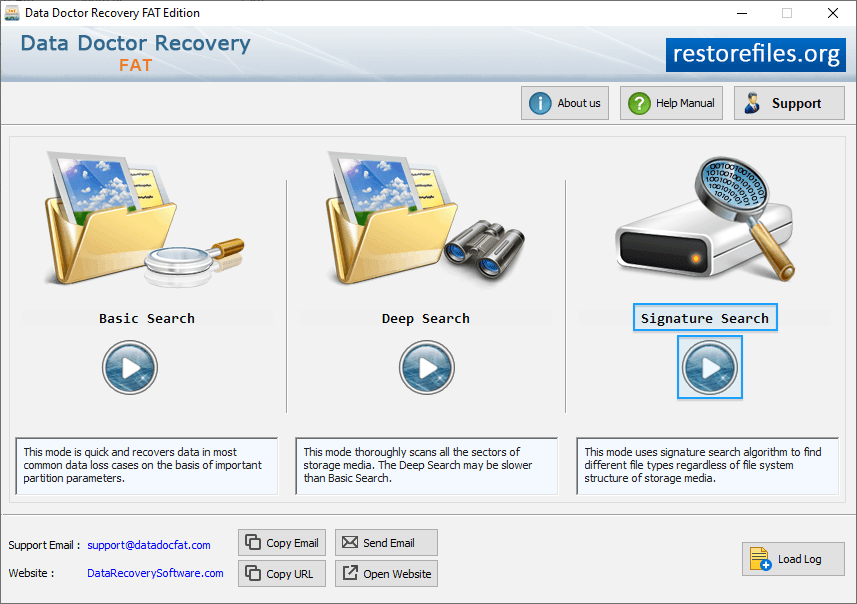
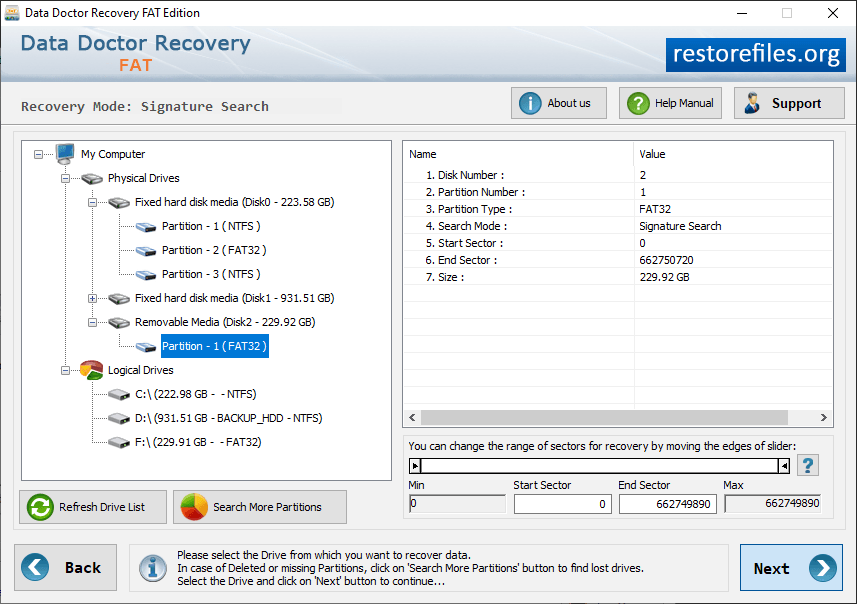
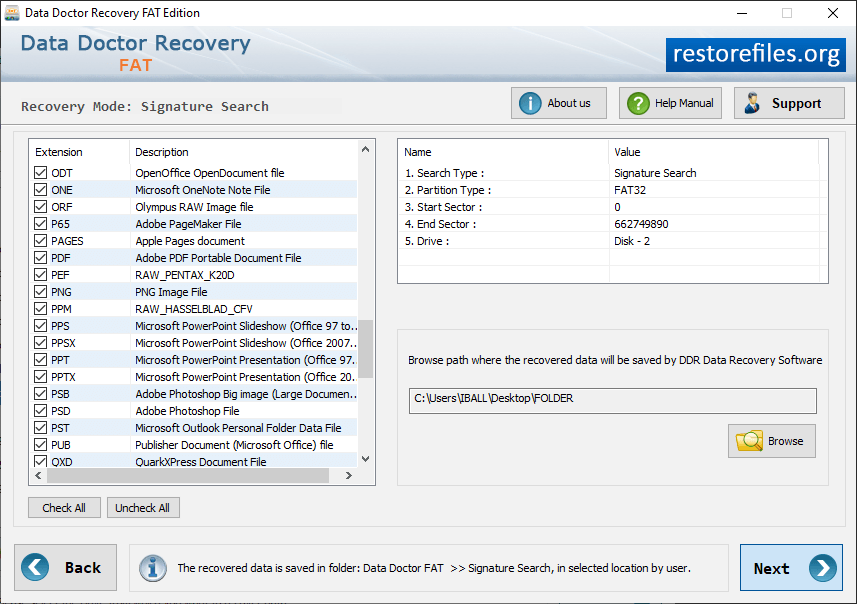
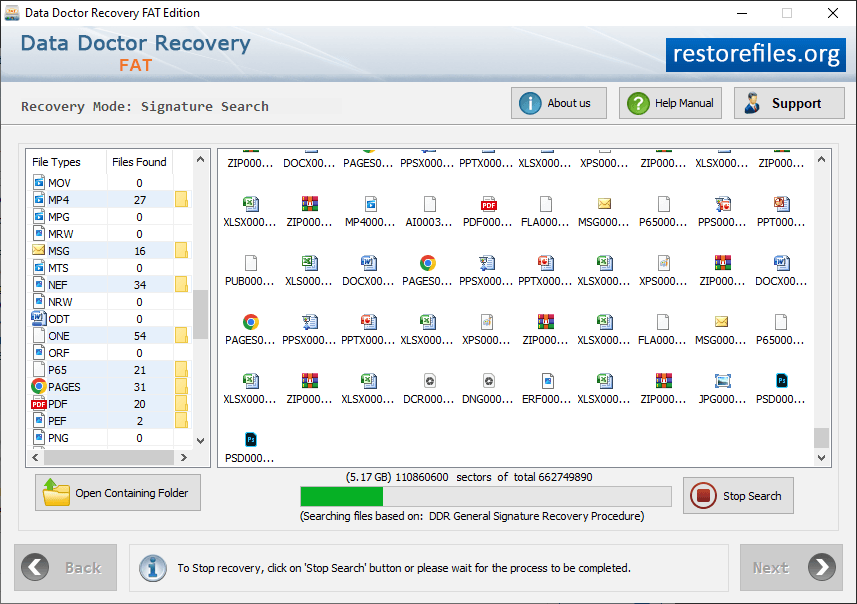
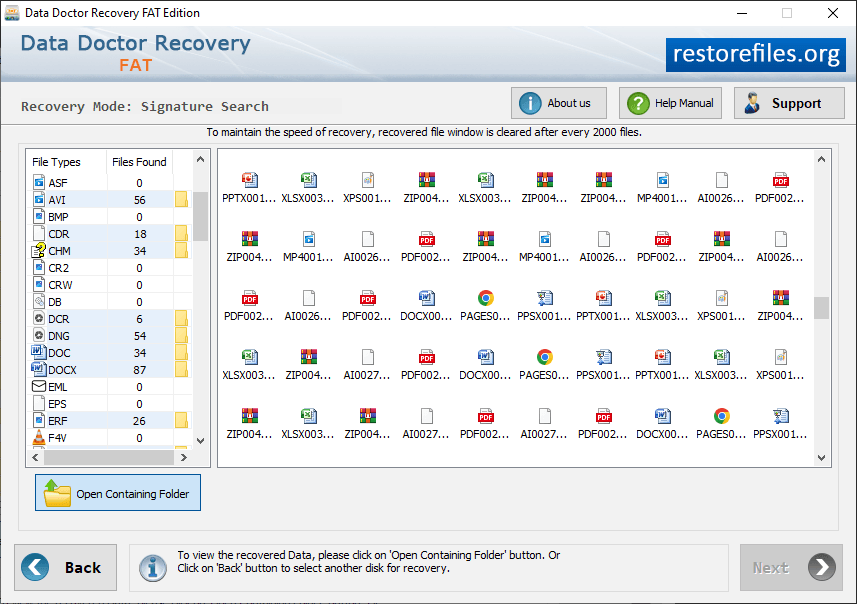
Choose any one searching mode to search and restore lost data files. Scan result is displayed in tree structure at the left panel. Browse location where you want to save recovered data and click next button to continue.Disk scanning process is going on. Progress bar displays the current running status of disk scanning process.To view the recovered data, click on 'Open Containing Folder' button.