
Memory Card Files Restore Screenshots
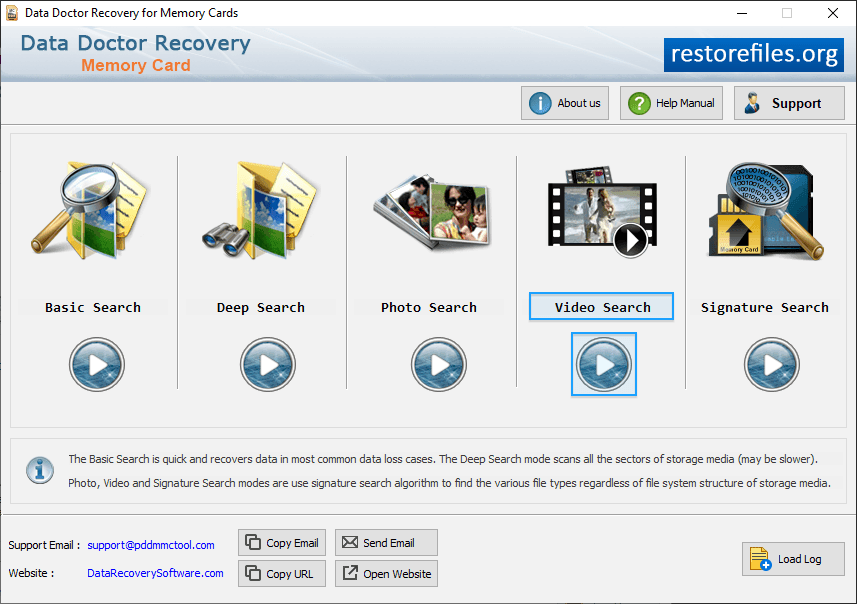
Select Recovery Mode which you want to recover your data like as Basic Search, Deep Search, photo search and Video Search mode.
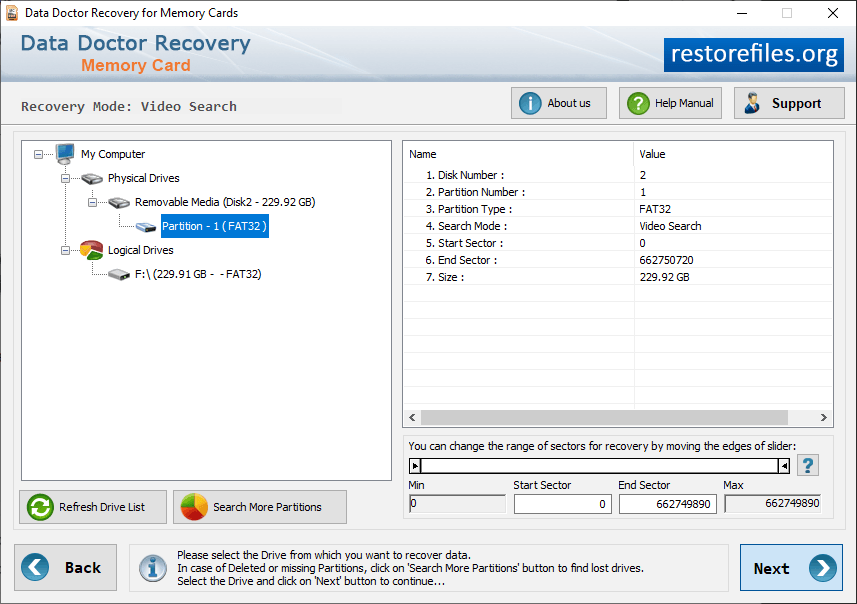
Select partitions in left panel from which you want to recover photo, details of the partitions will be shown in the right panel.
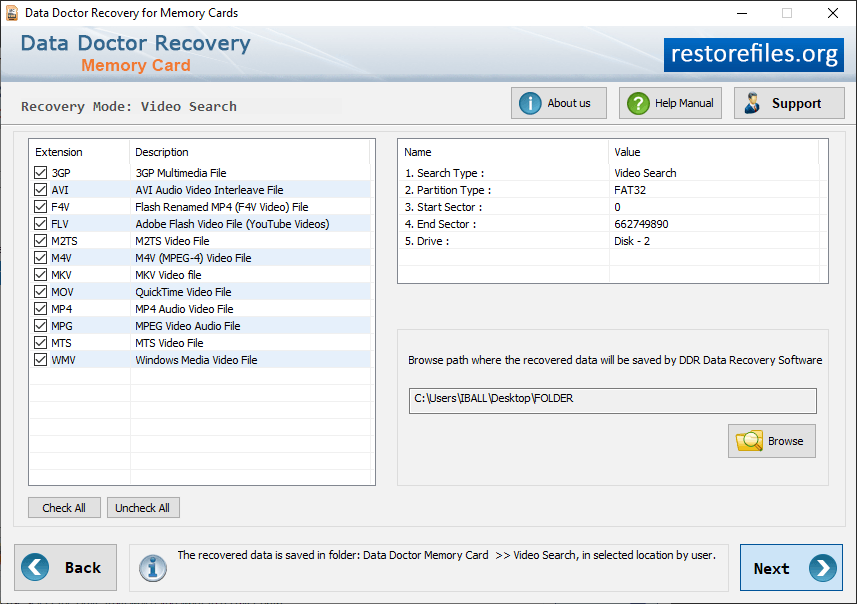
Perform Digital Pictures Thorough Scanning Algorithm to find lost data and browse the path where the recovered data will be saved.
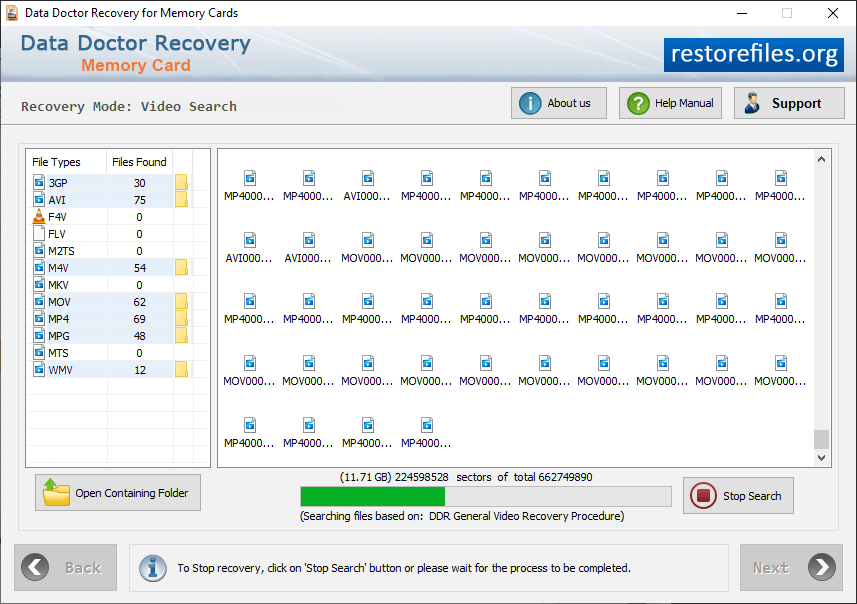
Currently performing searching based on "Thorough Scanning Algorithm".
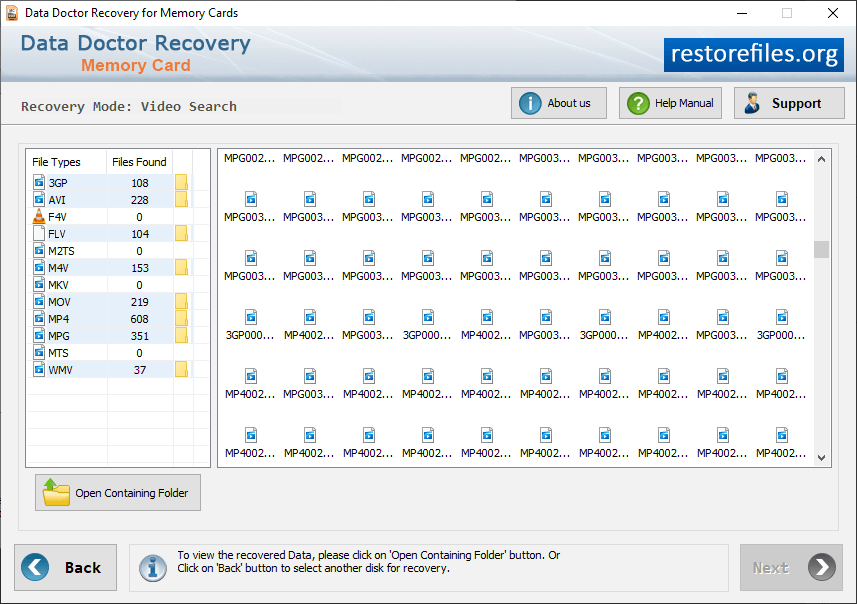
Click on “Open Containing Folder” to view your recovered lost data.
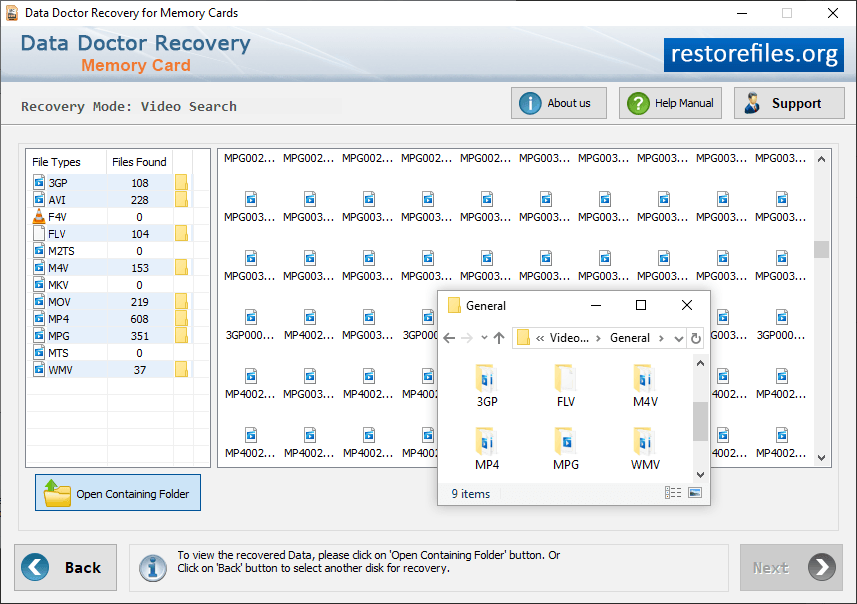
Open the containing folder to view all recovered data files.


