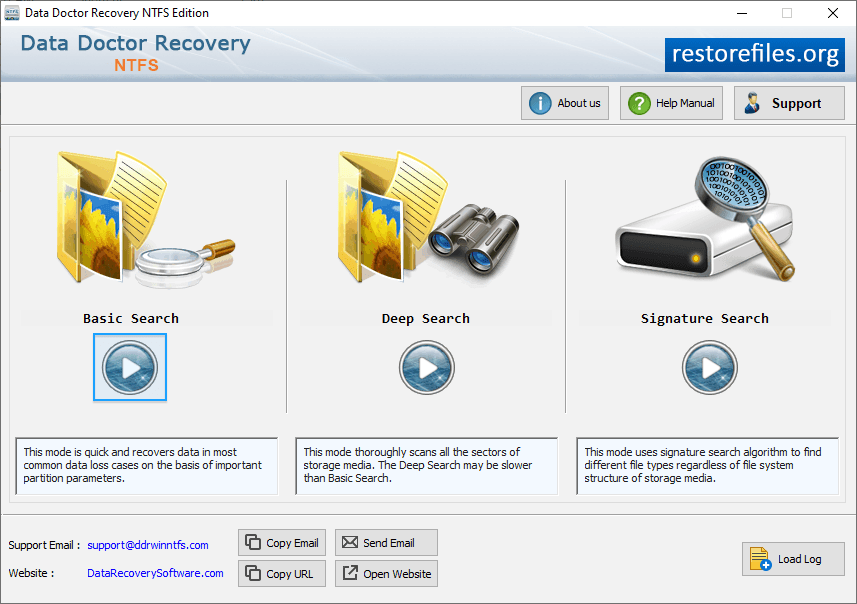
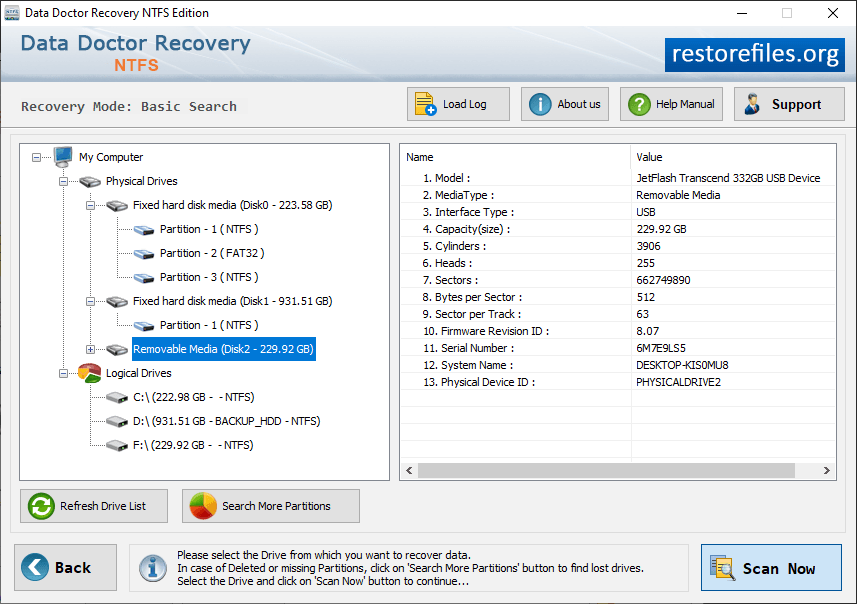
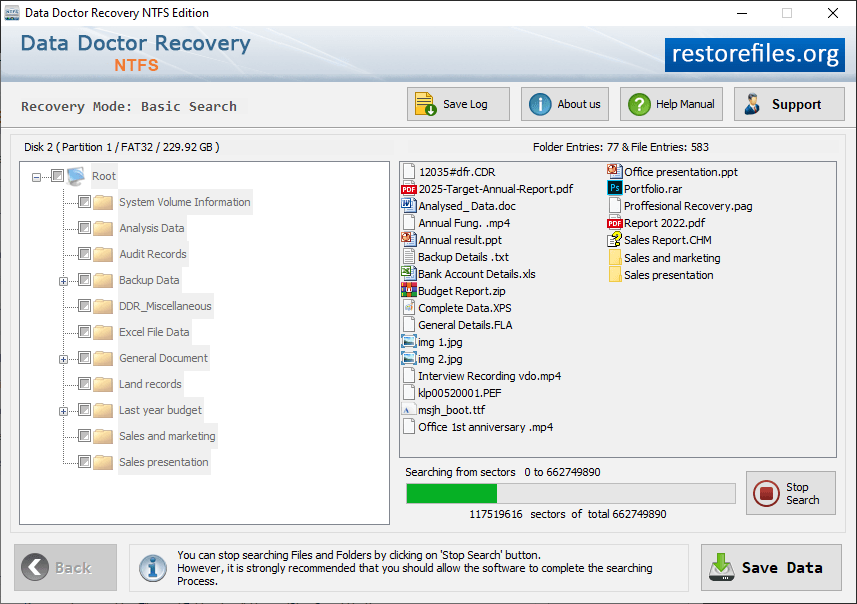
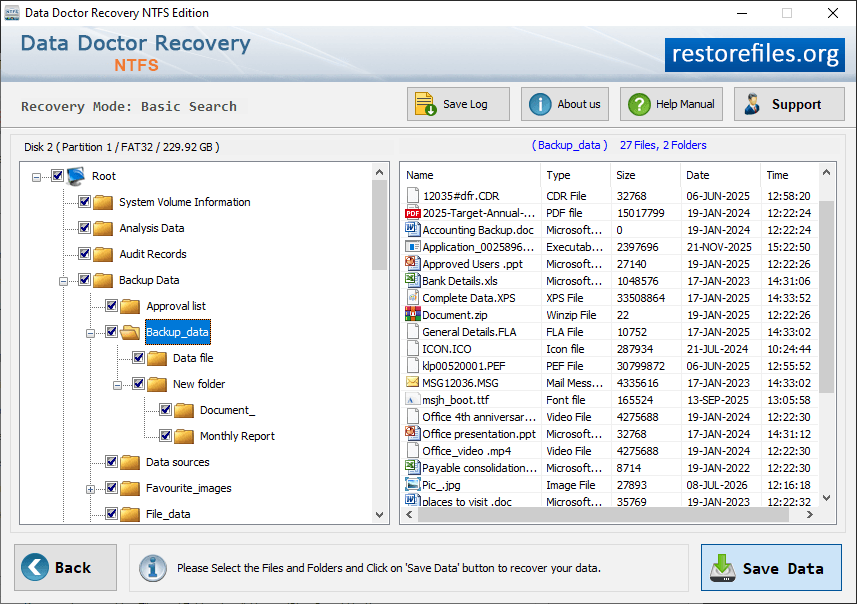
NTFS Partition Restore Screenshots Download Now Buy Now Select Basic Search recovery mode to recover lost data. Select the partition from the left panel which you want to recover data. Status bar to view status of disk scanning process. Select files and folder to save data files. ❮❮ Go Back