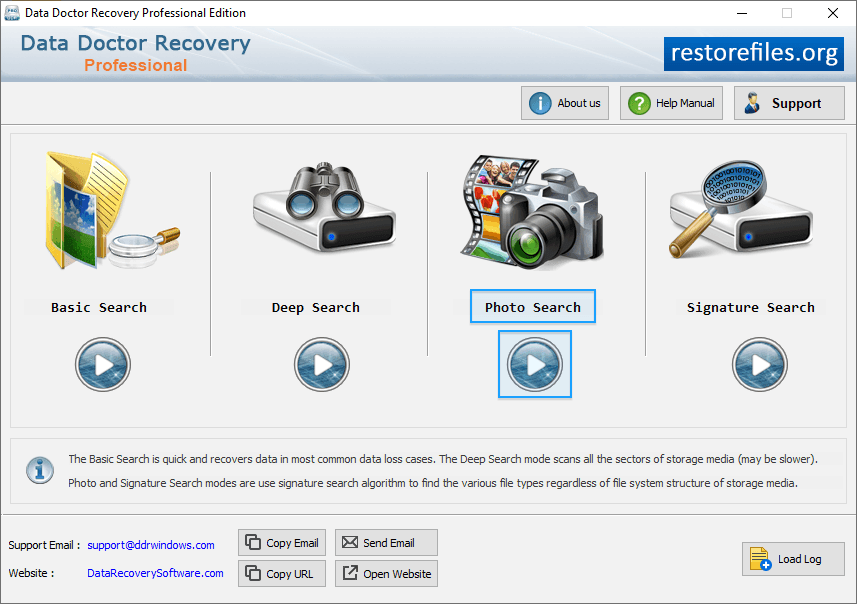
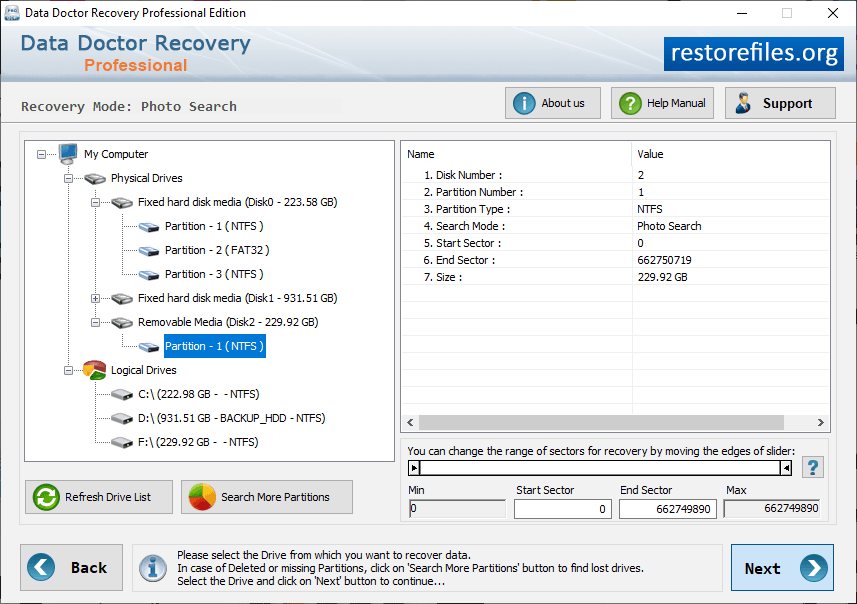
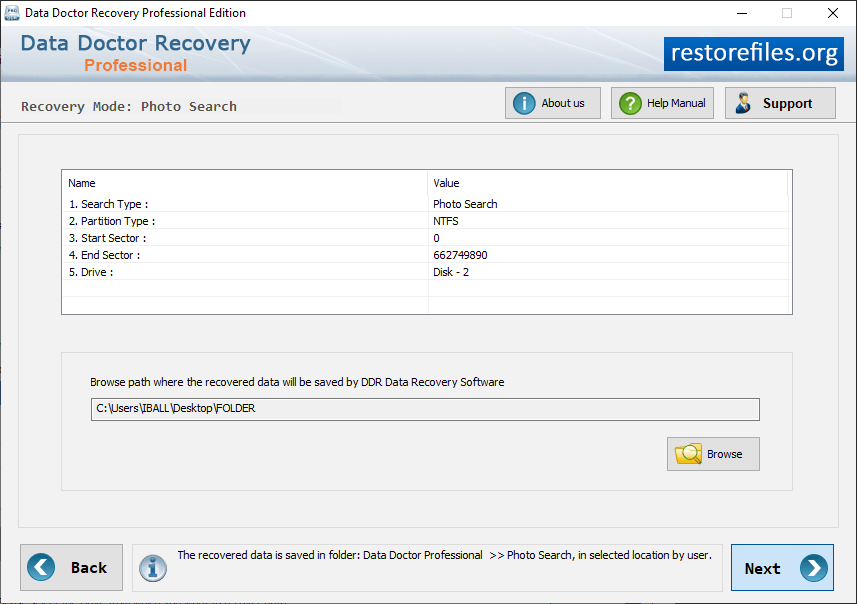
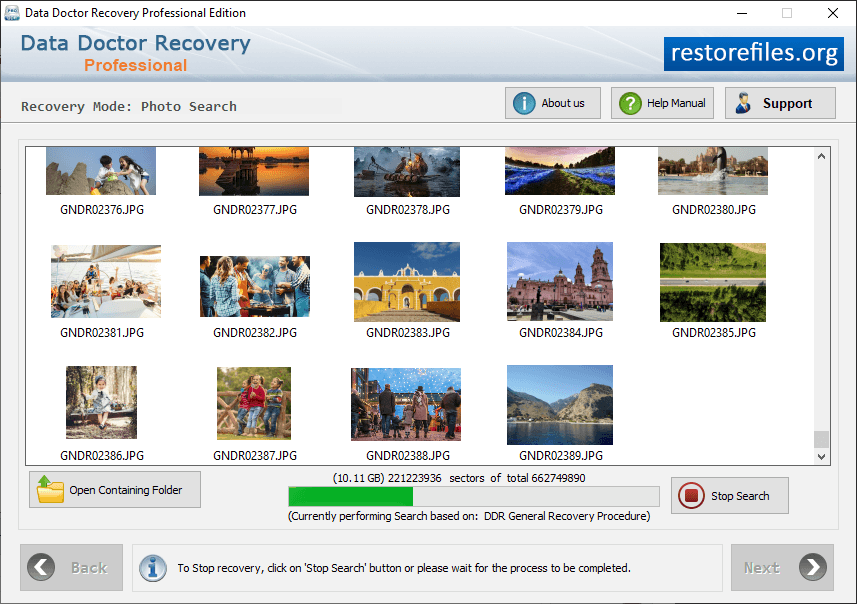
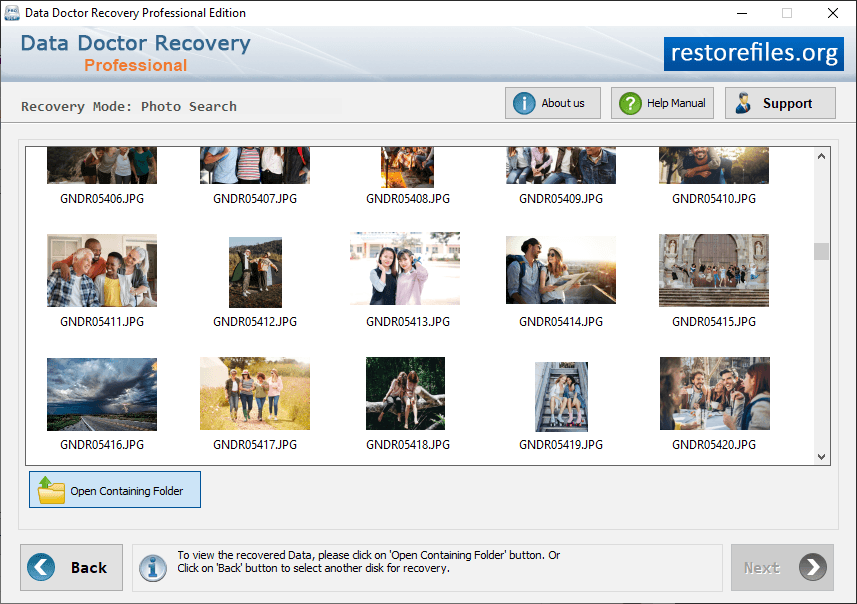
You can Select Photo Search recovery mode to recover lost data. Select the partition from the left panel which you want to recover data. Click on "Browse" button and choose the path where the recovered images will be saved by software. Disk scanning process is going on. Progress bar displays the current running status of disk scanning process. To view the recovered data, click on 'Open Containing Folder' button.