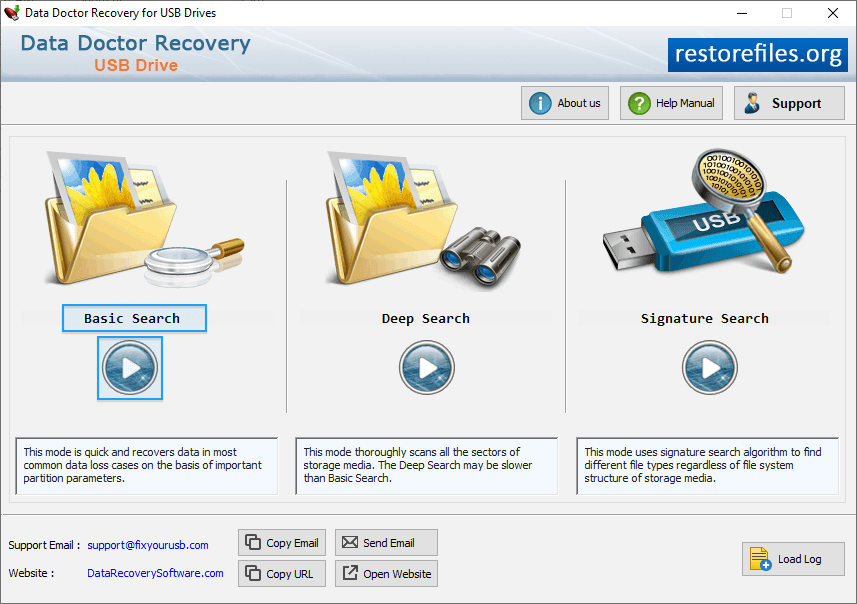
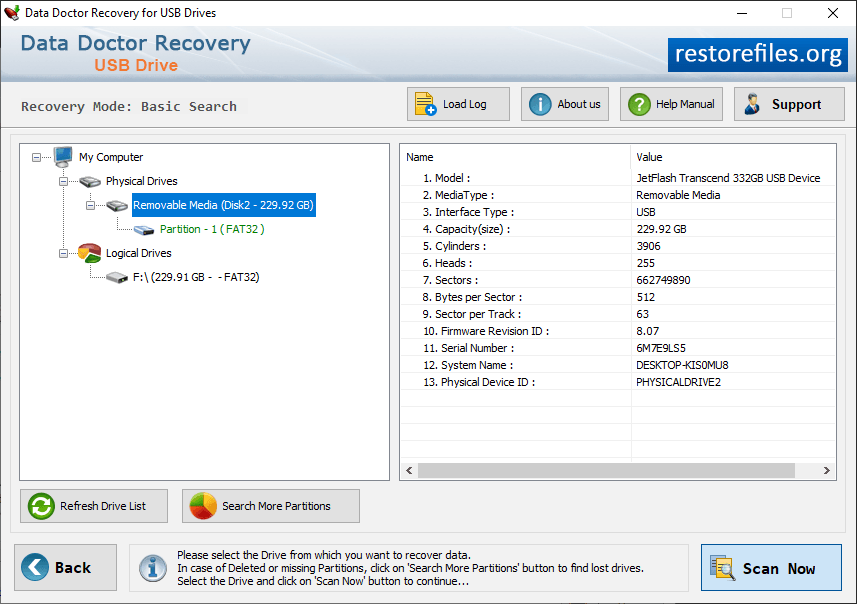
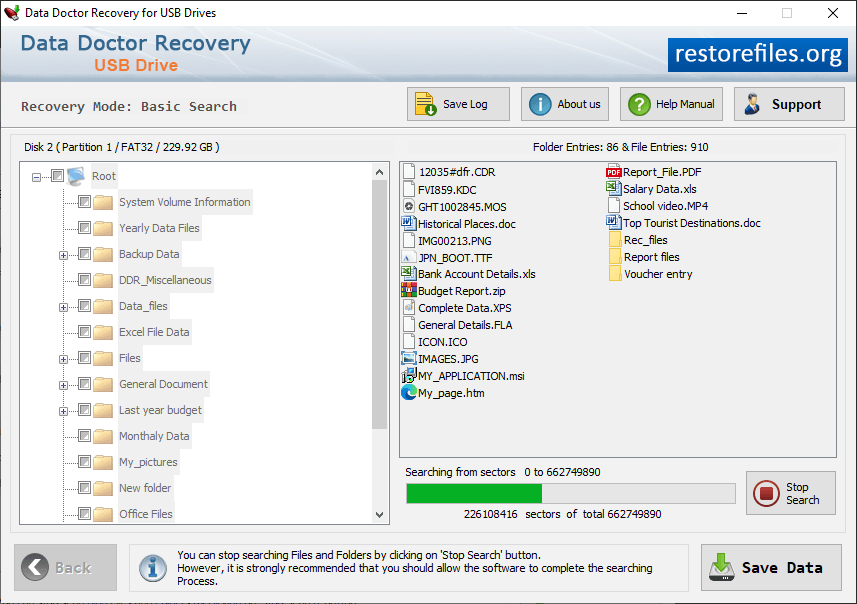
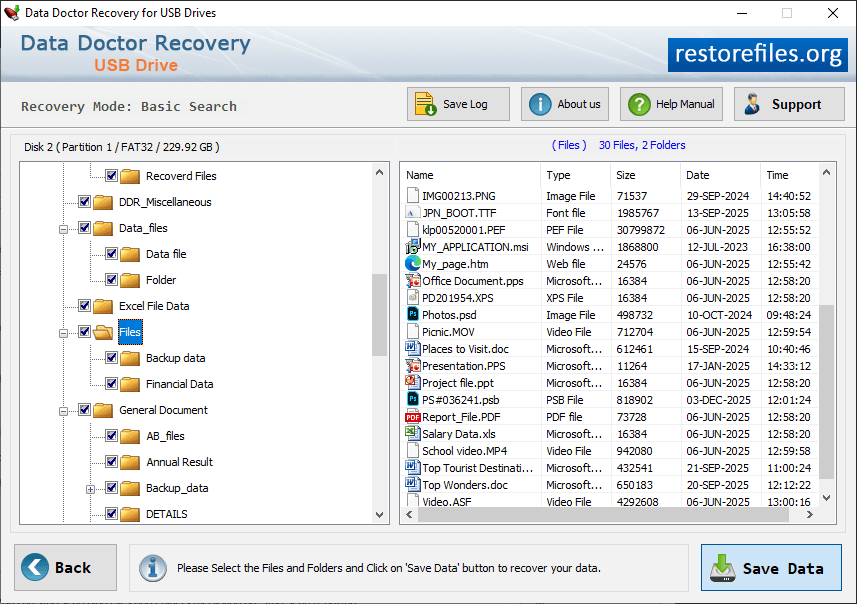
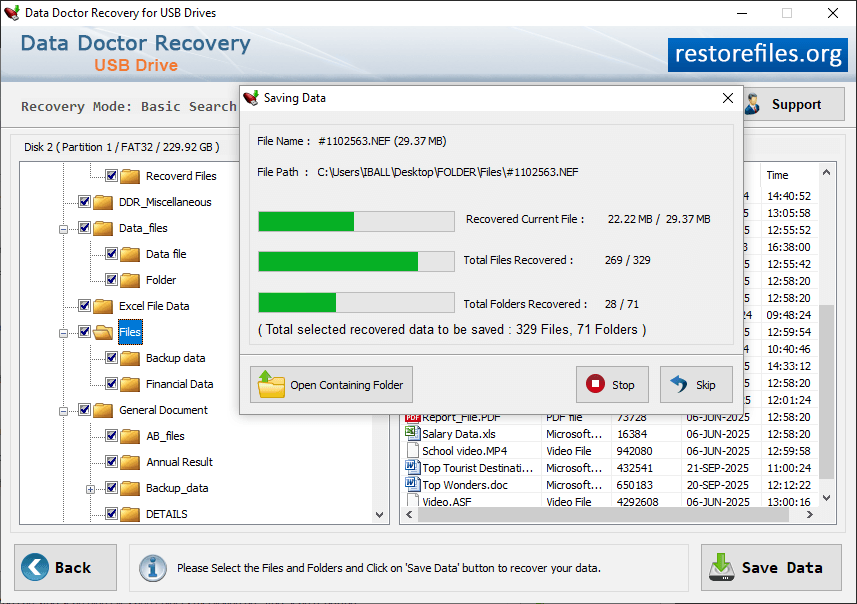
Select Basic Search recovery mode to recover lost data. Select Partition to specify location from which you want to recover lost files and then click on 'Next' button. Through Signature Scanning algorithm to search deleted file. Select files and folder to save data files. Click on the open containing folder to view recovered files.