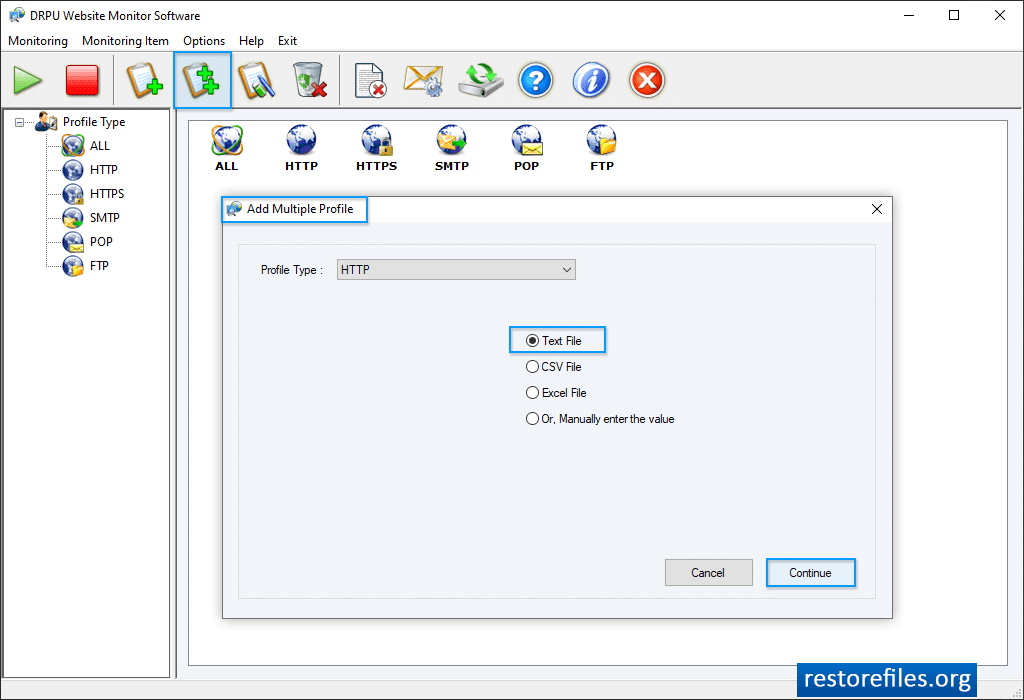
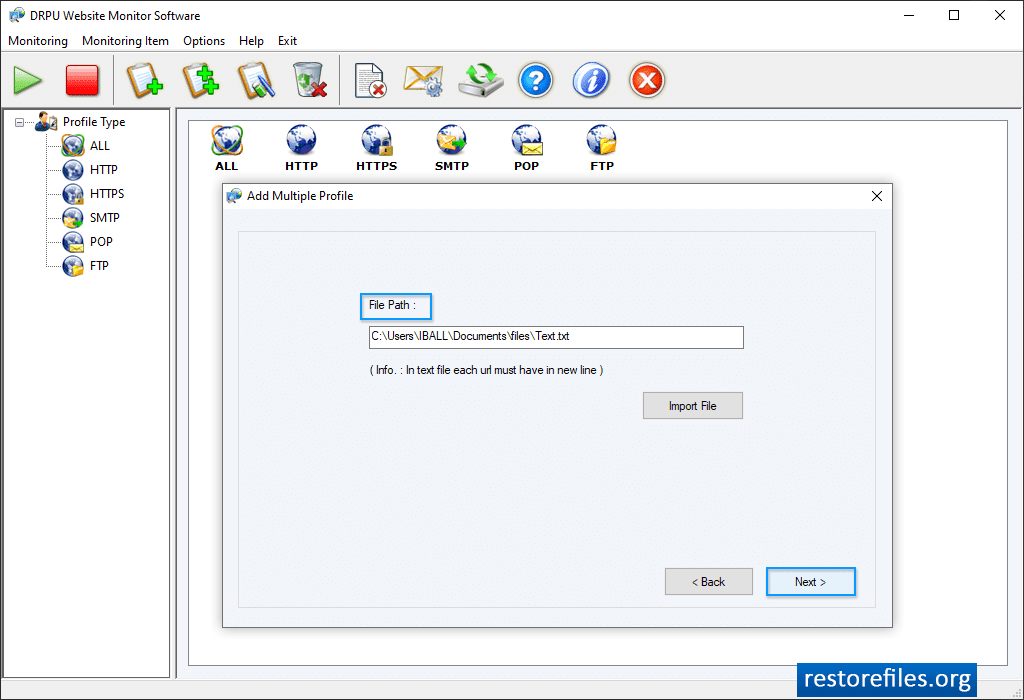
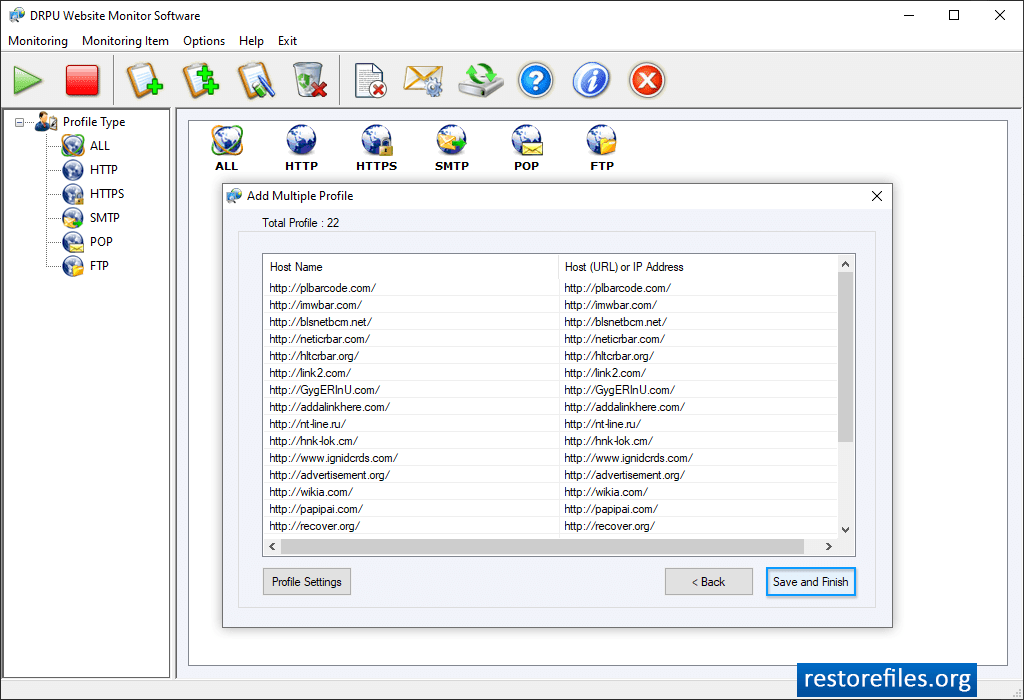
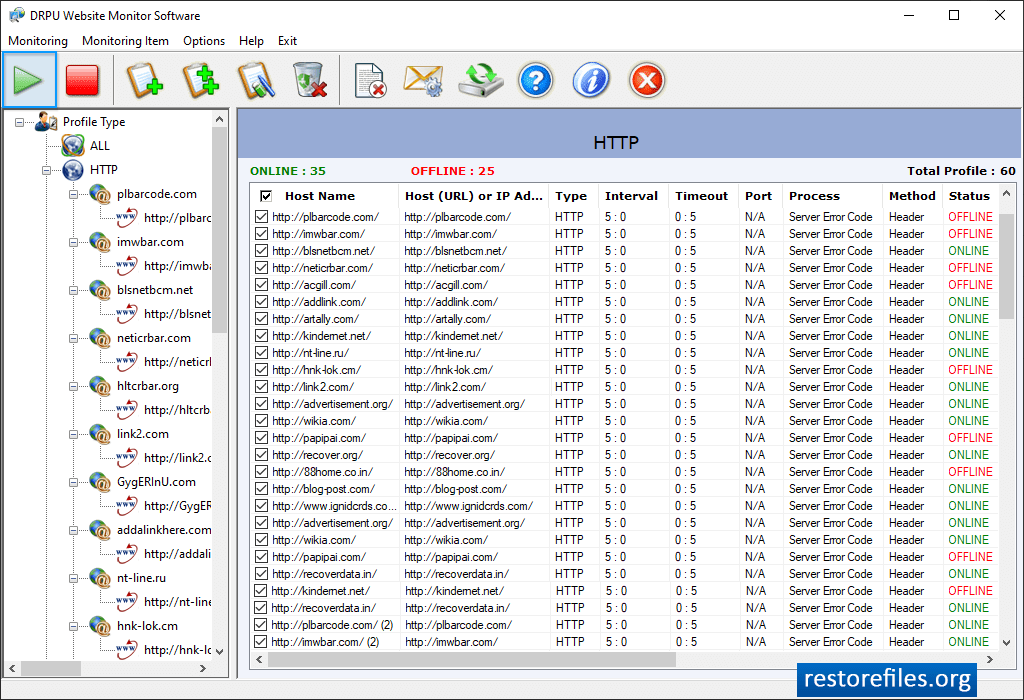
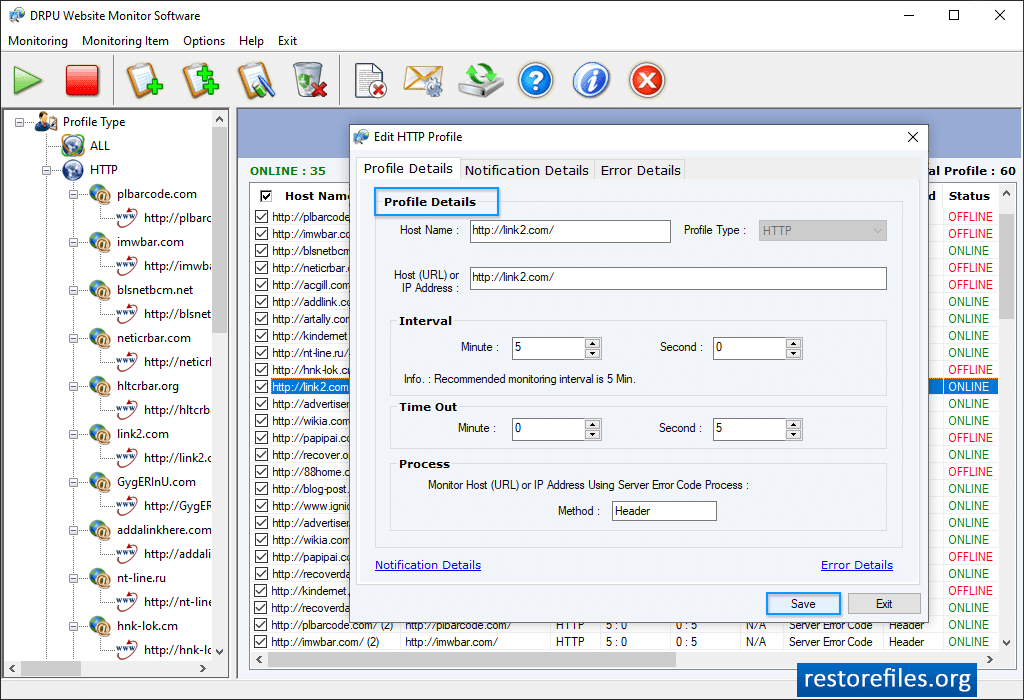
Here, wizard shows 'All Profile Minitoring View'. You can add multiple profile. You can add path file location of Profile then click Next button. and also import files. If you want to add more profile then click 'Add Profile' option All Profile monitoring View wizard to check online/offline status of websites. Select 'Profile Type' then choose any one option among 'All Error Log Records of Selected Profile Type' or 'Error Log Records between selected duration for Selected Profile Type'. Click 'Display Report' button to view log record. Click on “Add Profile” option to add profile (Website) for monitoring online/offline status of websites.